Digital invitations with RSVP
Create a digital invitation, share by link or QR code and collect RSVPs without an app — replies land in your guest list. Start free.
Go deeper with the guest list, seating plan, and wedding planning.
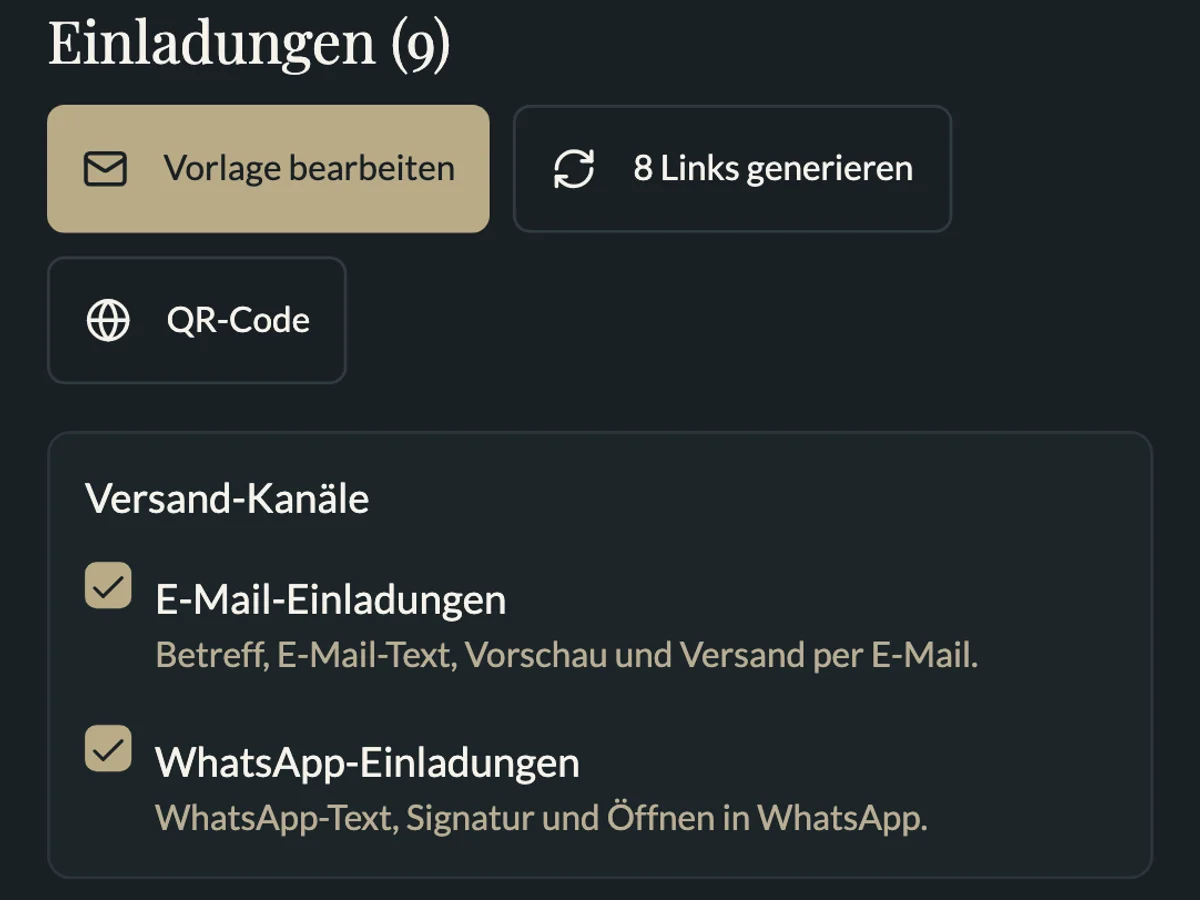
What you can do with MeinFeierPlaner
How digital invitations work in MeinFeierPlaner:
Create invitation
Personal info page with date, venue and RSVP — mobile-friendly for every guest.
Share link or QR
Via WhatsApp, e-mail or printed QR — guests do not need an app.
Replies in the guest list
RSVPs, plus-ones and notes sync with guest list and seating plan.
How it works
Create celebration
Set up your celebration and prepare invitation text and details.
Share invitation
Send link or QR code to guests — also works for guests without an app.
Manage replies
Filter responses, maintain the guest list and start seating.
Create a digital invitation — workflow
A digital invitation with RSVP replaces paper notes, phone chains and messy group chats. In MeinFeierPlaner you create the invitation once and share it by link or QR code — guests reply without an app.
1. Create invitation
Set up your event, add text, date, venue and details. The info page is mobile-friendly — also for guests less used to smartphones.
2. Share link or QR
Via WhatsApp, e-mail or printed QR code. Guests do not need an app — they open the link in the browser and submit yes/no replies.
3. Collect replies
Responses land automatically in your guest list: yes, no, pending, plus-ones and notes. Filter for catering and carry confirmed guests into the seating plan.
What guests see
- Personal invitation page with event details
- Simple reply in the browser — no download, no guest login required
- Optional QR code for paper invitations or at reception
Privacy and collaboration
Guest data is processed with privacy in mind — see the privacy policy. Several organisers see replies in the same guest list.
Common mistakes
- Invitation as PDF only without RSVP link
- Replies in WhatsApp instead of a central list
- Plus-one rules not communicated