Create a seating chart online — free with live shuffle
Create your seating chart online for weddings, birthdays or club celebrations: guest list, RSVPs and table plan in one app — drag or tap guests onto seats, live shuffle during the party, PDF or image for the venue. Start free — guests do not need an app.
Next steps: Guest list, Invitations, and wedding planning.
What you can do with MeinFeierPlaner
How MeinFeierPlaner supports your seating chart:
Guest list & RSVP
Assign guests from the same list — filter by attendance, sync when someone declines.
Seating & live shuffle
Move tables on the floor, choose a shape, seat guests — run shuffle rounds during the celebration.
PDF, image & guest view
Save floor or list as PDF or image; guests see their table on mobile without installing an app.
How it works
Create your celebration
Sign up and create your celebration — wedding, Polterabend or company party.
Guests & tables
Fill the guest list, add tables, drag or tap guests onto seats.
Export & shuffle
Save floor or list as PDF or image — optionally start live shuffle on the night.
How it works
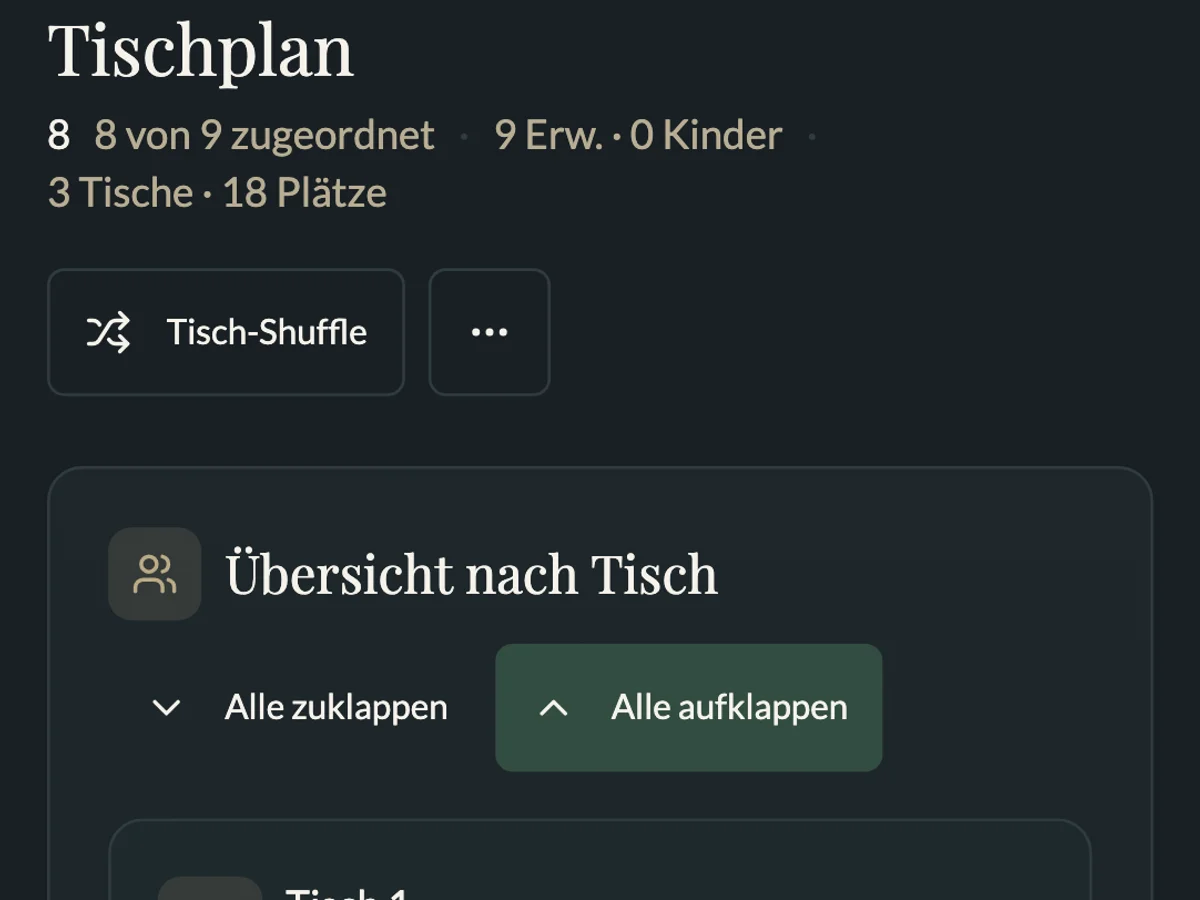
In MeinFeierPlaner you lay tables out on a floor, choose a shape and drag guests onto seats. If you cannot find the right mix, Live-Shuffle reshuffles seating in seconds. Every change syncs immediately with the guest list and RSVPs.
- Create your event and guest list — Create a guest list.
- Define tables — choose a shape (round, banquet, T, U-shape, square, E-shape, head table), set seats, place tables on the floor.
- Seat guests — drag or tap from the pool onto a seat; filter “attending only”.
- Review capacity and sensitive pairs.
- Save — floor or list as PDF or image; guests see their table via the invitation link.
Live table shuffle: during the party, authorised hosts start a round — all devices show the new table in real time. Families can stay together; reset to the original layout anytime. Ideal after dinner when conversations stall.
Why a digital seating chart?
Creating a seating chart on paper or Excel works until the guest list shifts — declines, venue table count changes, or you notice two guests who should not sit together. Spreadsheets and sticky notes lose track quickly: who sits next to whom, does capacity fit, is there a short walk for older guests?
A seating chart online saves time: update in seconds instead of reprinting, guests see their table on mobile, export PDF for the venue. Create a seating chart free when the tool links to your guest list — not as an isolated drawing without RSVPs.
Paper plans often need last-minute moves when RSVPs or conflicts appear. Digital charts show overbooking immediately and filter by attendance.
Use cases
Wedding
Wedding seating usually separates family, friends and colleagues. The head table is central; divorced parents at least one table apart; solo guests placed with common ground. Finalise when RSVPs are in (4–5 weeks before). More: Plan your wedding.
Polterabend
Looser than a wedding: mix neighbours and colleagues at dinner, then shuffle for fresh conversations — no shouting across the hall. More: Plan a Polterabend.
Company party & club festival
Corporate and club events need clear capacity or deliberate mixing of departments. Export names per table for the venue. See Plan a club festival.
Baptism, communion & confirmation
Family tables dominate: godparents near the child, kids’ corner in sight of parents, seniors with short walks. Smaller guest counts but more generations at one event.
Templates & layouts
Common setups: round tables 8–10 seats; banquet tables 60/80/120 cm widths; U-shape for speeches. Confirm numbers with your venue — overcrowded tables feel hectic.
| Layout | Seats (guide) | Fits |
|---|---|---|
| Round Ø 1.6 m | 8–10 | Wedding, Polterabend |
| Rectangle 2.2 × 0.8 m | 6–8 | Club, office party |
| Long table | 40–80 total | Formal wedding |
PDF export & print
PDF export for venue and catering — floor or list, as PDF or image. A3 at the service desk, optional A4 per table. Guests often use mobile; older guests appreciate a print at reception. Name files with dates (seating-2026-08-15.pdf) so nobody works from stale lists.
Avoid common mistakes
- Starting too late without final headcount
- Ignoring conflict pairs
- Paper-only from ~30 guests
- Planning without RSVPs — drag-and-drop uses the same guest list as replies; otherwise declined guests still sit at a table
Create a seating chart free — link your guest list, GDPR-oriented. Start on this page.