Create and manage a guest list online
Create and manage a guest list online: RSVPs, children, plus-ones and allergies in one place — linked to seating and invitations. Start free.
Often next: invitations with RSVP and your seating plan.
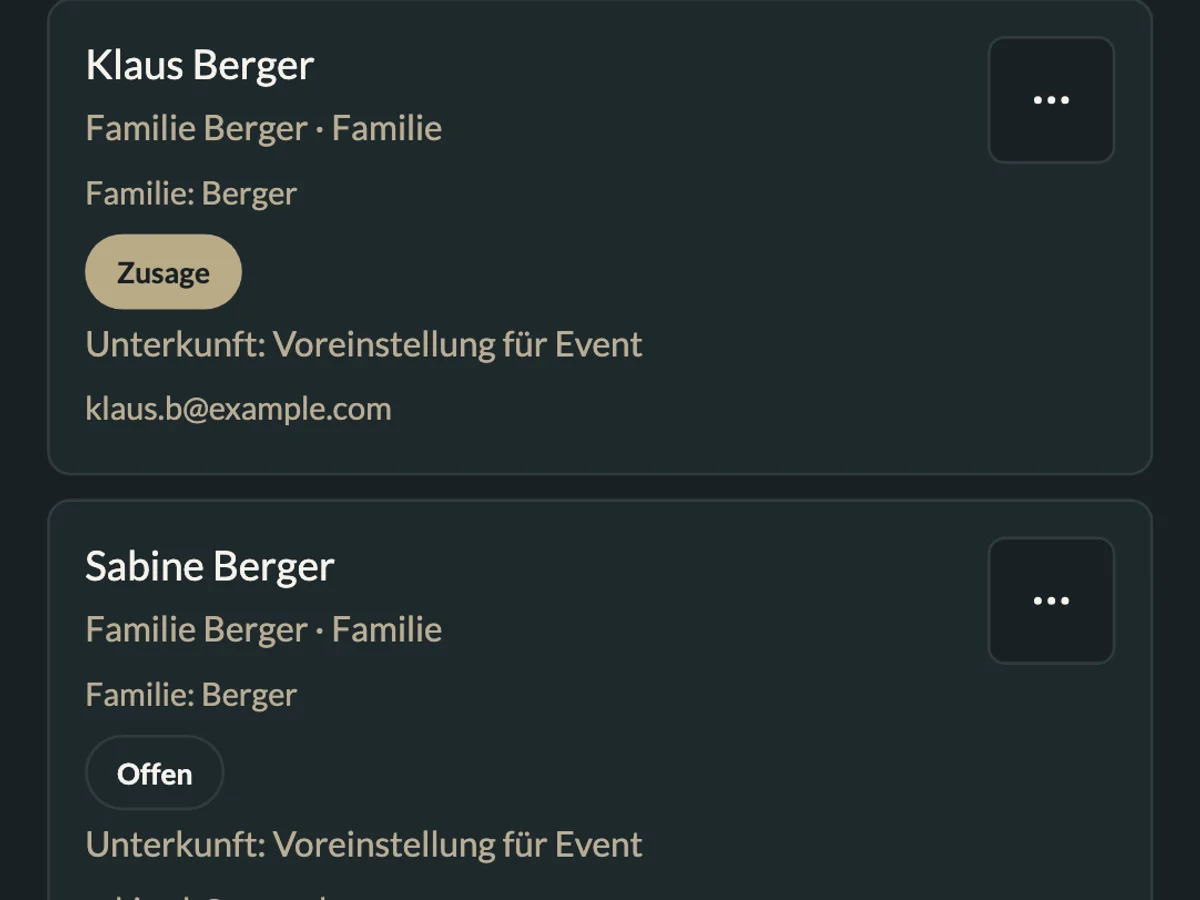
What you can do with MeinFeierPlaner
How MeinFeierPlaner helps with guest lists:
Central guest list
Capture guests, groups, CSV import — one source of truth.
RSVP tracking
Collect and filter responses — status at a glance.
Seating sync
Feed the seating chart; guest list CSV export on Premium.
How it works
Create celebration
Add your celebration and first guests.
Share link (WhatsApp)
WhatsApp, QR or chat — invitation e-mails are on Basis.
Use the list
Start seating or filter replies for catering.
Create a guest list online — step by step
Creating a guest list online starts every event plan. A digital guest list replaces spreadsheet chaos and feeds the seating chart.
1. Set structure
Categories: must / should / could — or family, friends, work.
2. Capture guests
Manual entry, CSV import or from invitation responses. Ask about allergies, children and plus-ones early — so catering and seating work later.
3. Share link (WhatsApp)
Share the link or QR in chat — RSVPs roll in. Guests do not need an app. Bulk invitation e-mails are on the Basic plan.
4. Seating & reuse
Link to seating plan and invitations, filter replies. Guest list CSV export is Premium; catering export from RSVPs works on Free too.
Children, plus-ones and allergies
- Record children and plus-ones on each guest
- Note allergies and special requirements — visible for catering and venue
- Privacy: guest data in the EU, privacy-conscious — see the privacy policy
Plan together
Several organisers can work in the same workspace — one current guest list instead of parallel WhatsApp and Excel lists.
Common mistakes
- No deadline for replies
- Unclear +1 rules
- Multiple parallel lists (WhatsApp + Excel)