Guest list: Excel or MeinFeierPlaner?
An Excel list is perfectly fine for five guests. Once people accept, decline, or bring a plus-one — and seating has to match — the sheet becomes a second job.
Next: guest list, invitations with replies and seating — or the WhatsApp comparison.
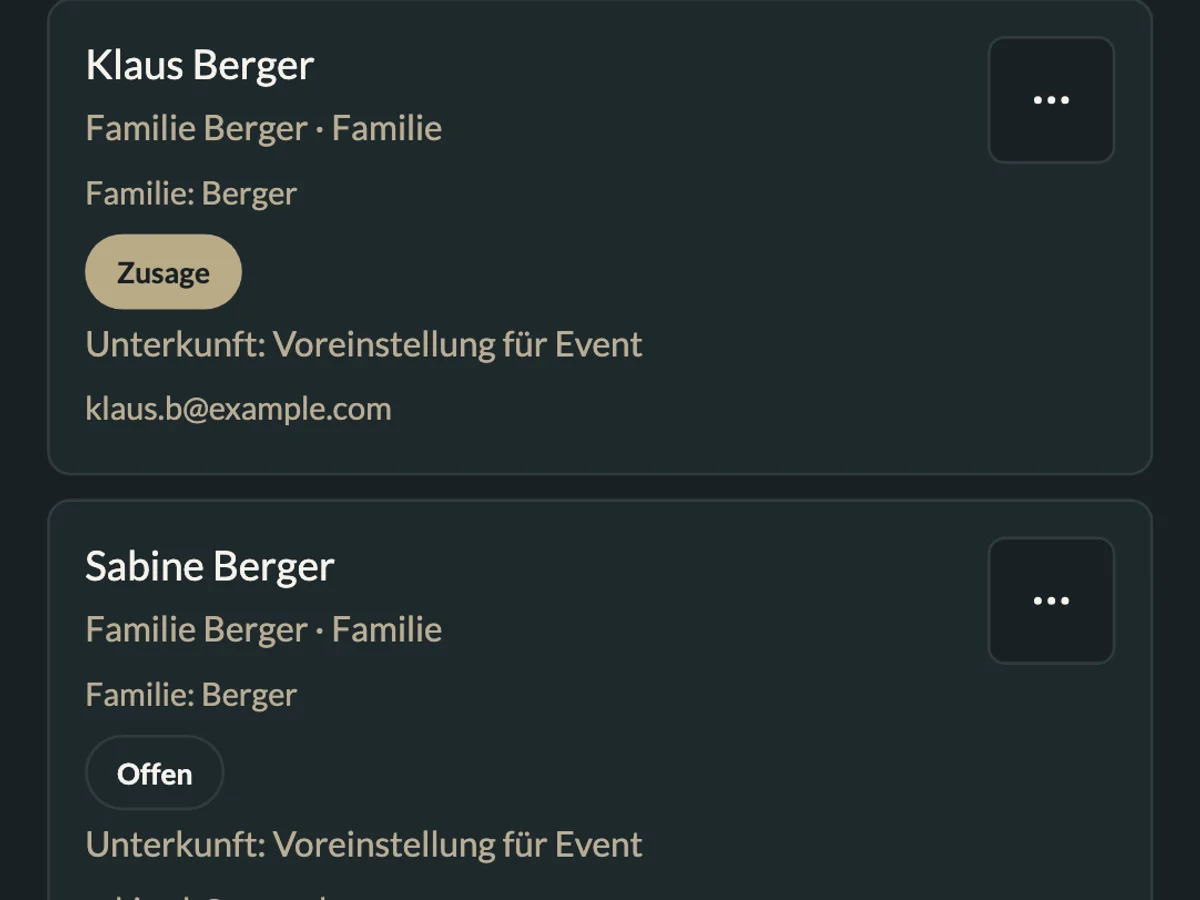
What you can do with MeinFeierPlaner
Where MeinFeierPlaner actually saves time:
Replies without retyping
Guests answer themselves. You see the status instead of chasing cells.
One list, no file chaos
No “final_v7.xlsx”. Seating and the guest list share the same names.
Excel stays exportable
If catering wants a sheet, you export — you don’t maintain it as the source of truth.
How it works
Create the celebration
A name and date are enough to start — no table headers.
Add or import guests
CSV from Excel works. After that, replies run in the app.
Share the status
A reply link instead of a screenshot of the spreadsheet.
Excel is not the problem
For a birthday with eight people, a spreadsheet is often enough: names, a “coming?” column, done. It is fast, everyone knows Excel, and you do not have to explain an app.
The work shows up later. Someone accepts in a message, someone brings kids, someone changes a decline. The sheet is no longer the source of truth — it is a copy you chase.
Where MeinFeierPlaner saves time
- Replies sit on the guest, not in a cell you retype.
- One list for guests and seating. No matching a file to a plan.
- Export when the venue wants Excel. You maintain the list in the app.
When Excel stays the better choice
If you are not collecting replies and the group stays small, Excel is fine. MeinFeierPlaner helps once the status changes often or seating needs the same names.
How to switch without starting over
Import names via CSV, share a reply link, keep the spreadsheet as an export only. More under guest list and seating.